Introducing Shared Albums
The recent Albums update has been a great way for users to organize the pictures they take in Second Life. From today, any album you own can be opened up so other people can post into it with you, the residents of your sim, your blogger team, the photographers at your event, your friends, or other people to run a contest.
Turning an album into a shared one
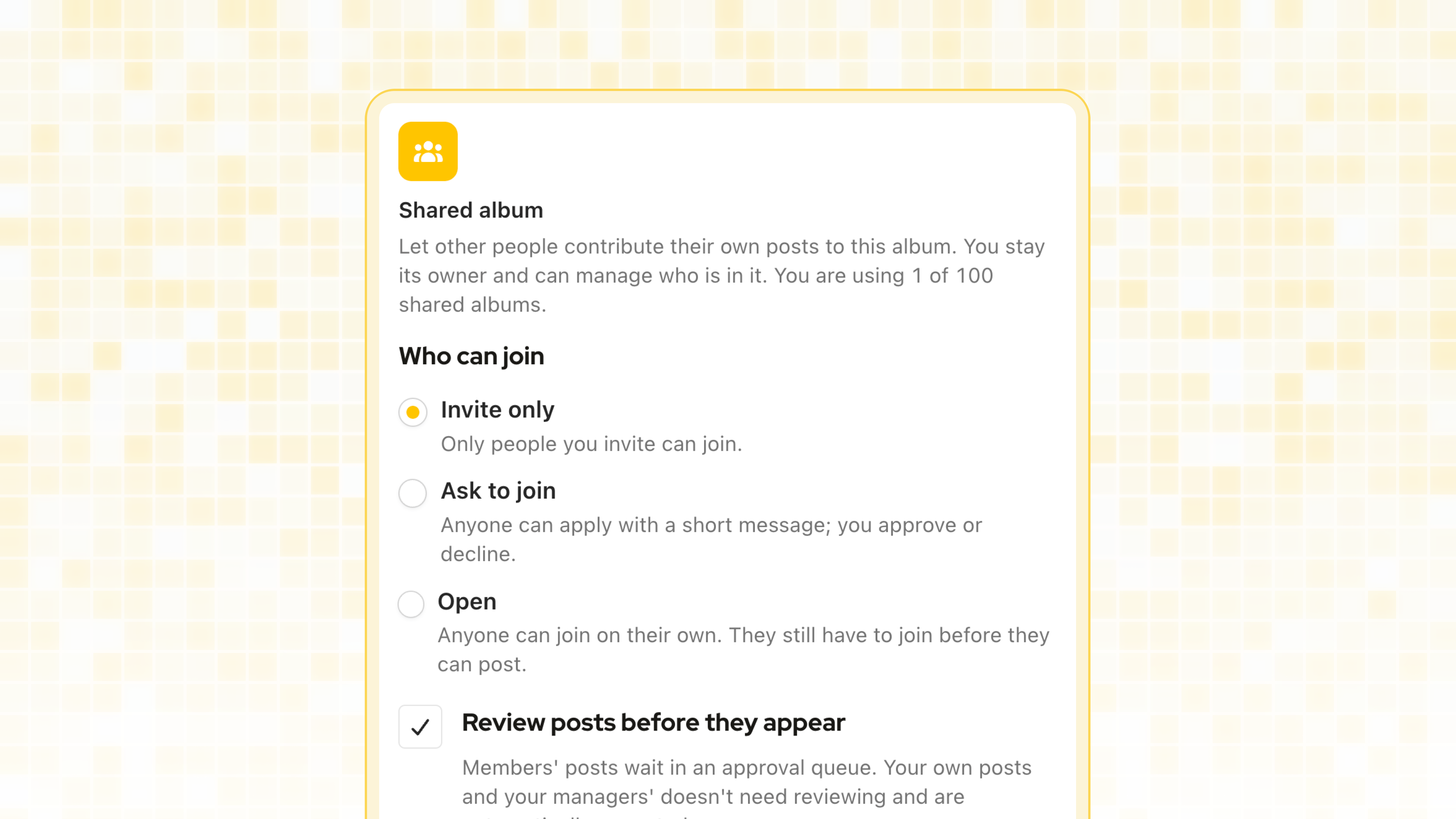
Open the album editor, turn on Shared album, and pick how people get in:
Invite only: only people you invite can join.
Ask to join: anyone can apply with a short message, and you approve or decline.
Open: anyone can join on their own. They still have to join before they can post.
You can switch between these three at any time, so an album can start quiet and open up later, or close down once your team is complete. Once people have joined the album or added their posts to it, sharing can no longer be turned off.
Owners, managers and members
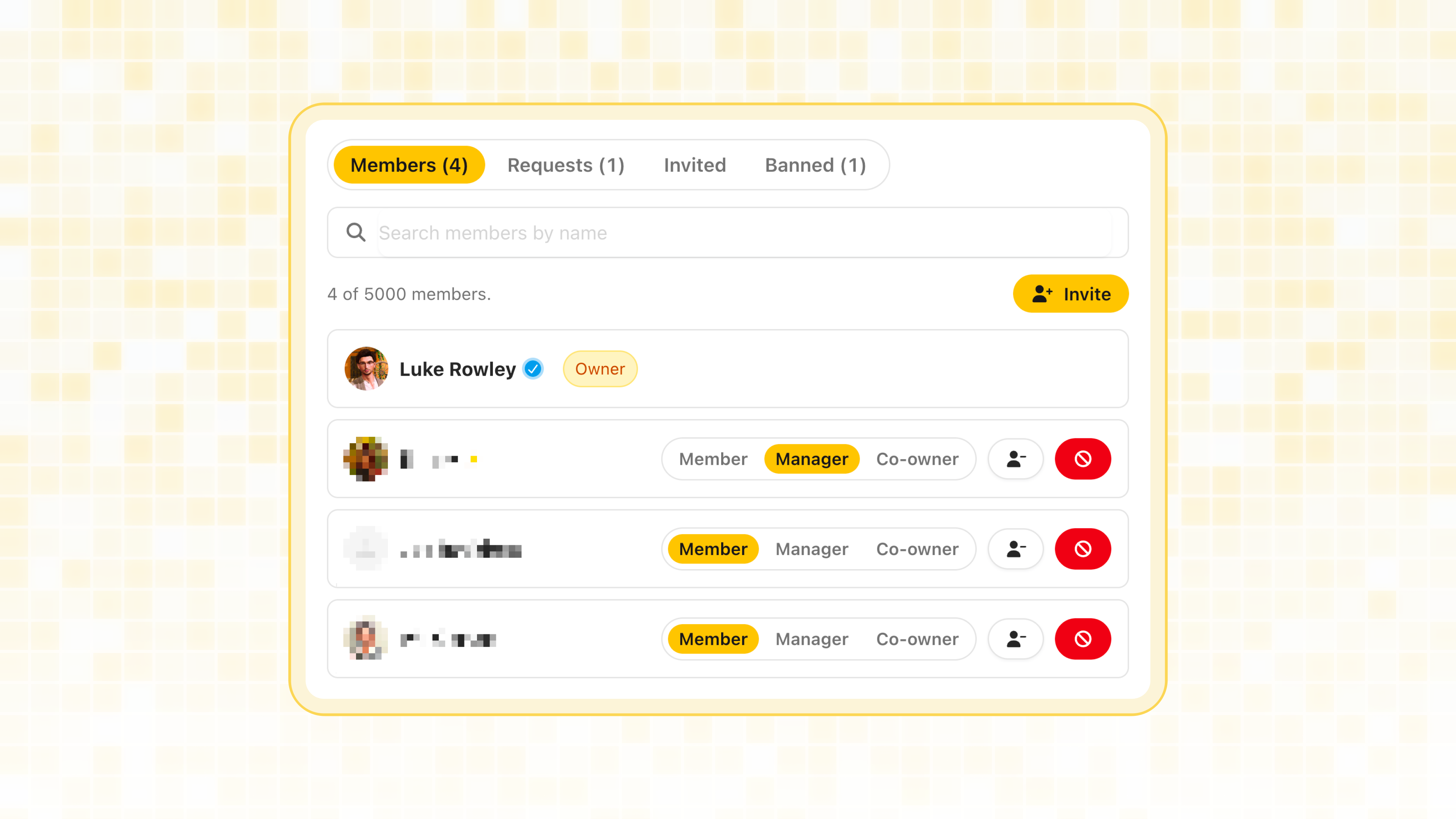
Everyone in a shared album has one of three roles:
Owner: full control, including editing the album, managing members, and deleting it.
Manager: invites people, handles pending requests, and moderates posts, but cannot delete the album.
Member: adds their own posts, and removes them.
Open Members on any shared album to see who is in it, promote or demote people, and work through the Requests, Invited and Banned tabs. Removing someone takes their posts out of the album. Banning them does the same and stops them re-joining or being invited until you lift it. Either way, the posts themselves are never deleted.
Approve posts before they show, if you want to
Some albums want everything, and some want a curated wall. Turn on the approval queue and your members' posts wait in Pending approvals until an owner or manager go through the posts. Owners’ posts, and your managers', are never held back.
Posting into an album you joined
The post editor now has a Shared albums section underneath your own albums, listing every shared album you belong to. Your post still lives on your own profile as normal. Adding it to a shared album puts it in two places at once, it never moves it out of your gallery.
Limits
Free accounts can have 2 shared albums.
Pro accounts can have 100.
A shared album can hold up to 5,000 members.
Shared albums still count toward your overall album limit, sharing is a mode on an album, so a shared album is also one of your albums. If you hit the shared limit, archiving a shared album frees the slot back up.
This feature is quite complex, and I may have missed something. If you notice something is weird or missing, I would appreciate it if you could take the take to fill a feedback for me to have a look and fix it. Thank you 💞