New Profile Details: let residents know if they can IM you
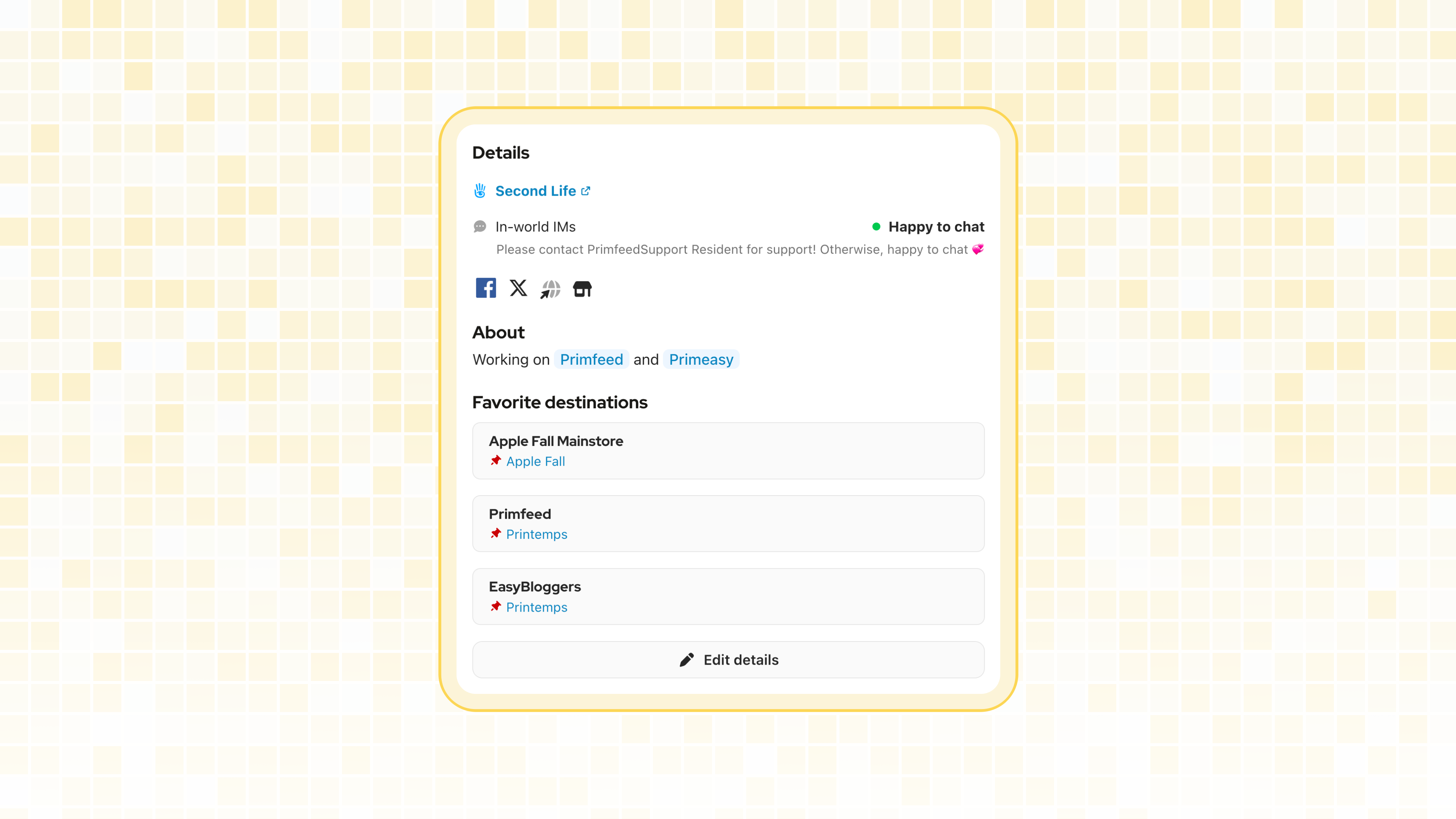
Primfeed is often where we discover each other. Until now, your only option was to show or hide the button that opens your Second Life profile, which didn’t really tell anyone if they could reach out to you. I wanted to give you a better way to say it.
Your profile now has a new Details section.
In-world IMs
On your profile, click Edit details (or go to Settings, then Profile) and pick the answer that fits you:
Happy to chat: anyone can come and say hi 👋
Collabs, Commissions, Job offers, Bookings or Customer support: IMs about that topic are welcome.
Rather not: you prefer not to be contacted in-world.
You can add a short note under your answer, up to 100 characters, like what are you looking for, or your online hours.
The link to your Second Life profile is now in the same section, and choosing Rather not hides it. If you had hidden the “Open Second Life Profile” button before, your answer has been set to Rather not for you, so your link stays hidden.
Favorite Destinations
Your favorite destinations moved to the same place. You now add and remove them from Edit details instead of directly on your profile, and you can still share up to 3 places with their SLURL.
Business pages
Business pages get their own Profile tab in their settings, with the same Details and Favorite Destinations. It’s a nice way to tell your customers to IM you for Customer support, or that you’re open to Collabs. Owners and managers can both edit it.
Quality of life
Shared albums: posts waiting for your approval now open in full screen, so you can see every picture at full size, next to the post’s text and tagged products, before approving it.
All the details are in the help center: Add your in-world IM status and favorite destinations
Thank you 💞